 NexSHOPX-官方新闻
The Difference in One Sentence
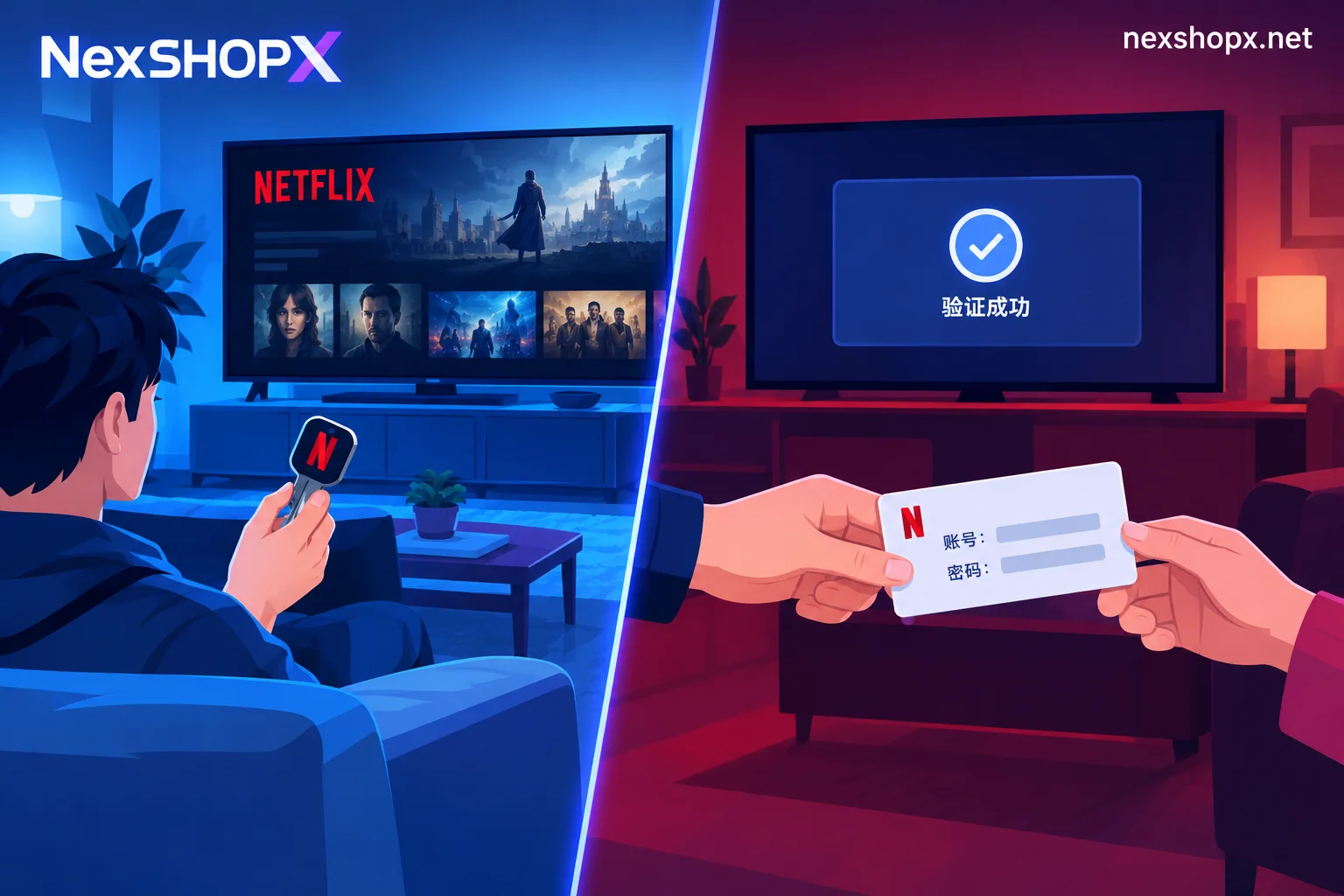
Top-up means completing activation or renewal on your own Netflix account: the login email, password, and two-step verification remain in your hands; the seller only handles the "payment" part (gift card recharge, proxy payment, or regional payment method).
Buying a ready-made account means receiving a set of credentials someone else registered, already with a subscription: you watch on someone else's account, and the primary email is usually not yours. Ready-made accounts split into exclusive accounts (the whole account is yours) and slot accounts (you get one Profile under a shared account, while other Profiles belong to strangers).
All subsequent differences—viewing history, whether TV login goes smoothly, how to renew at expiry, and who can make changes when issues arise—derive from this one point: who owns the account.
Quick Decision Guide
- Long-term viewing, mainly on the home TV, care about viewing history and recommendations: choose top-up. The account is yours, device association is stable, and renewal just means continuing to top up the same account.
- Only want to binge a few shows short-term, okay with switching accounts at expiry: a ready-made account works, but prefer exclusive accounts and avoid slot accounts.
- Want to share with family or friends who live elsewhere: don't expect one account to stretch; the official "Extra Member" is the corresponding channel (covered separately below).
- Want maximum convenience, don't want to manage card codes and balances: ready-made accounts are indeed hassle-free upfront, at the cost of renewal and security not being under your control.
Who Owns Viewing History and Profiles
Top-up doesn't change accounts, so viewing history, My List, recommendation algorithms, and each family member's Profile can continue long-term. For an account already in use for a year or two, this is a tangible difference—recommendations get more accurate over time, and switching accounts means starting from scratch.
With ready-made accounts, if you don't renew or switch to a new batch, these things don't automatically carry over. Netflix has a Profile Transfer feature to move a Profile to another account, but that's manual and requires the source account still being accessible; if the account is dead or the password changed, you can't move it.
The Most Common TV Issue: "Household" Determination
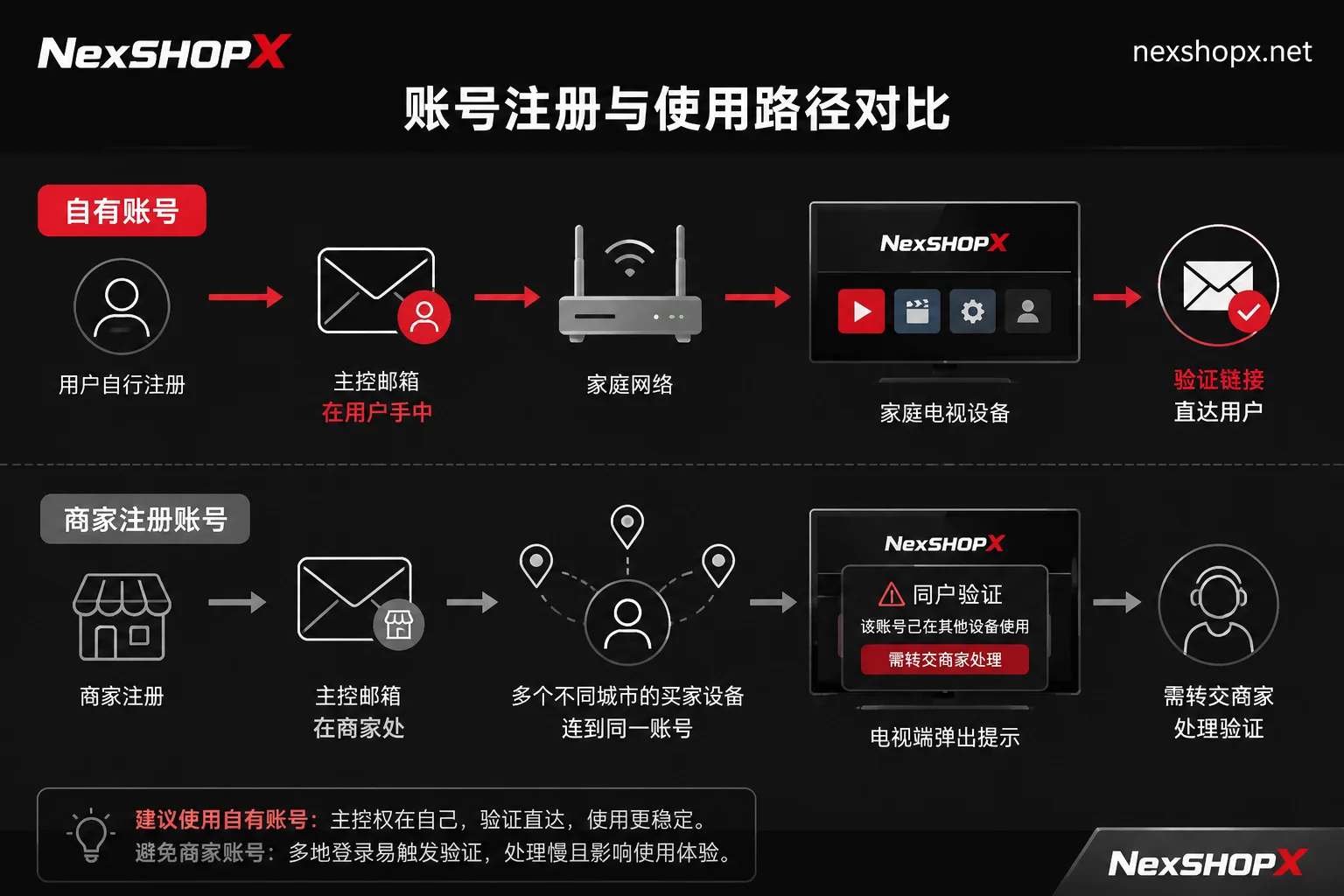
Per Netflix's official rules, an account is for people and devices in the same household. The platform uses IP address, device ID, and network activity to automatically identify which devices belong to this "Netflix Household." Mobile and tablet use outside is generally more lenient, but TV devices (smart TVs, set-top boxes, game consoles) are most easily blocked: a message appears saying "This device isn't part of your Netflix Household," requiring verification via a link sent to the primary account's email or SMS.
This affects the two options completely differently:
- Slot accounts are most prone to repeated issues. Multiple buyers under the same account are in different cities and networks, so household determination swings back and forth; worse, the verification link goes to the primary email controlled by the seller, which you can't resolve yourself—you have to wait for customer service each time.
- Exclusive accounts fare better, but the primary email is still often with the seller, so email verification scenarios still require contacting them.
- Top-up on your own account means the primary email and phone number are yours, device association on your home fixed network is stable, and if verification pops up you just click the link.
If you mainly watch on TV, this point alone can basically decide which to choose.
For People Living Elsewhere, the Official Channel Is "Extra Member"
Netflix offers Extra Member for non-household users: Standard or Premium plan users can pay to add 1 to 2 extra member slots. The other person gets their own separate account, password, and Profile, not mixed with yours. The limitation is that Extra Members must be activated and used in the same country/region as the primary account.
This path only works when you hold the primary account yourself—i.e., the top-up side. Buying a slot account essentially bypasses this design, and the experience and stability are inferior to simply adding an Extra Member.
Renewal Control Differs the Most
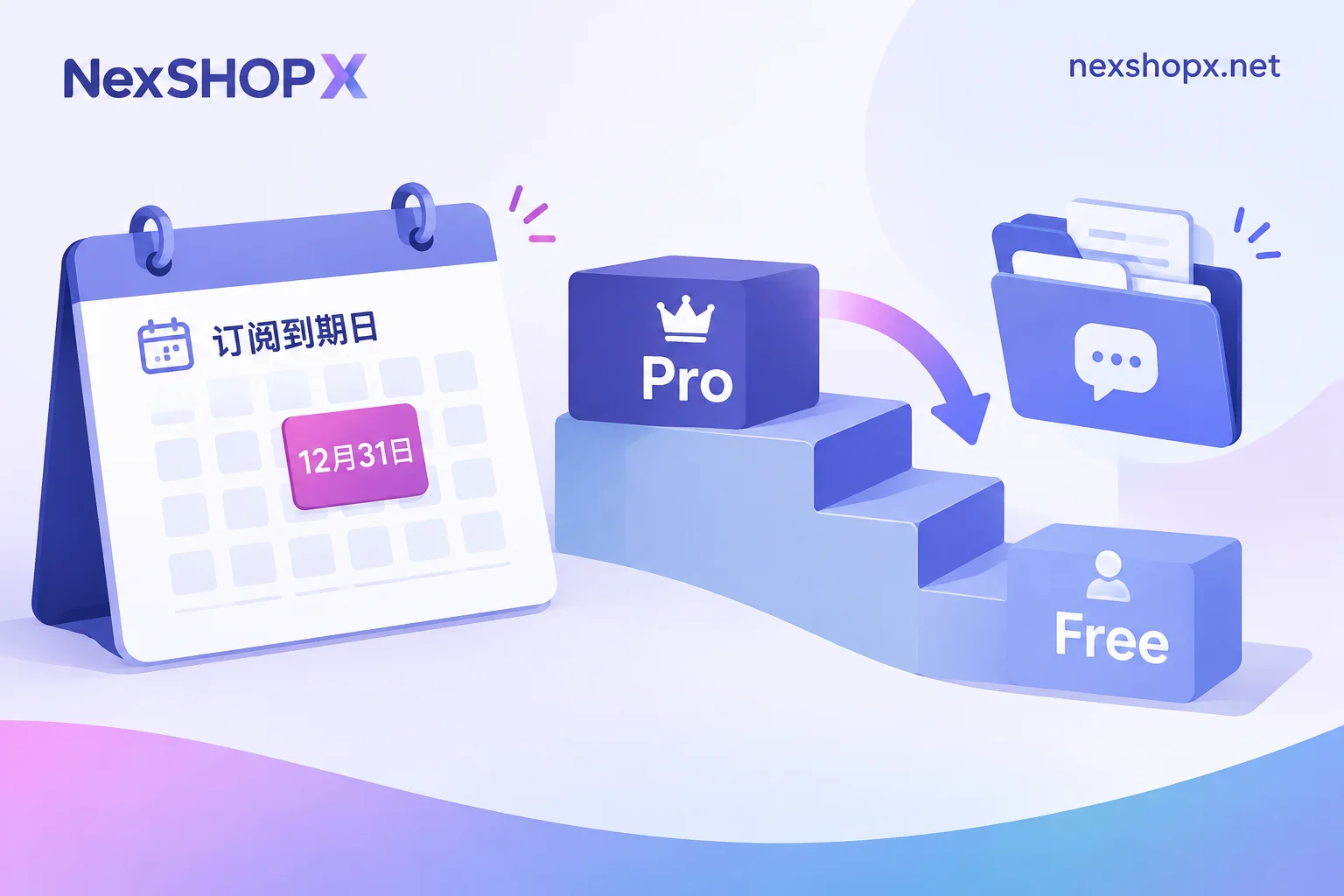
Netflix officially supports gift card prepayment: the card value goes into the account balance and is automatically deducted monthly. The balance stops when depleted, and gift cards are non-refundable. So the common top-up practice is to add a new card before the balance runs out, or link a backup payment method as a fallback, so the subscription doesn't lapse. The whole process doesn't change accounts or passwords; if it lapses, it's just a temporary lack of balance—the account and records remain.
Ready-made account renewal isn't this logic: most are monthly or fixed-cycle deliveries of new accounts by the seller, or the seller centrally handles payment. This means the expiry date, whether supply continues, and whether the price changes are not in your hands. If the seller stops, you have to find a new account, log in again, and adapt to an unfamiliar recommendation list. To understand the difference in "what happens if I don't renew at expiry," the logic in How to Renew Claude Membership Top-Up is the same: top-up breaks the subscription; ready-made accounts break the account itself.
Warranty and "Can I Change Details"
The freedom of using ready-made accounts is subject to seller rules, which must be read clearly before ordering, and different categories and products have different rules—you can't apply one product's terms to all products:
- Common is limited-time first login after purchase; logging in after the deadline may be outside warranty;
- During the warranty period, if disabled, replacement is possible, but replacement gives you another account, not a repaired original;
- Some categories prohibit modifying account details during the warranty period (changing email, password, enabling two-step verification); changes may exceed warranty boundaries;
- Some categories have only a few days of after-sales period.
Specific durations and restrictions are as stated on the product page. Top-up doesn't involve account replacement or detail change restrictions, but you need to confirm another set of issues: which country/region balance is being topped up, whether it's a top-up or binding a payment method, and whether it matches your account's current region.
Regarding "what counts as complete delivery," you might also check Is Giving Only Account and Password Considered Complete Delivery?.
Clarify These Before Ordering
Regardless of the path, nail these down in writing before paying:
- Top-up: operate on my own account, or do I hand over the account? Which region, how many cycles can be renewed, and does renewal require a new order?
- Ready-made account: exclusive or slot? Do I get the primary email? Are password changes and two-step verification allowed?
- First login deadline: within how long must the first login be completed.
- Warranty period: how long, and what does it cover (can't log in, account bumped, subscription expires early).
- In stock or pre-order: in-stock usually auto-delivers on order; pre-orders deliver after customer service confirmation, and the time difference affects your viewing plans—see Difference Between In-Stock Auto-Delivery and Pre-Order Products.
At NexSHOPX, memberships and streaming subscriptions, AI accounts, and membership top-ups are separate categories. The mall supports self-service ordering, in-stock auto-delivery, and pre-order delivery after customer service confirmation, with Alipay and USDT accepted. Each product's first login deadline and warranty rules are on its own product page, not a uniform set. To see available specs and current stock, go to the All Categories page to pick by use case, or order directly at the Mall; general warranty and after-sales terms are on the Terms page.
What After-Sales Will Ask You to Provide
Knowing in advance what to keep saves effort later:
- Order number and original delivery proof (the original card code or account credentials, not just a partial screenshot);
- Time of first login and whether it was within the specified deadline;
- Original error message or screenshot, especially the TV message "This device isn't part of your Netflix Household"—that's a different type of issue from a regular password error and is handled differently;
- What actions you took—whether you changed the password, email, or enabled two-step verification. If the product page restricts detail changes for ready-made accounts, changing first and then reporting an issue can easily be judged as outside warranty, so if something seems wrong, don't act on your own—contact customer service first.
Conclusion
If you're a long-term user, mainly watching on TV, and your account already has accumulated viewing history and multiple Profiles, top-up is almost the only choice without compromises: control is yours, you can resolve household verification yourself, and renewal just means continuing to top up the same account. If you only want to watch a few shows short-term and accept switching accounts at expiry and occasional login verification hassles, a ready-made account is worth considering, but prefer exclusive and read the first login deadline and warranty rules before paying. As for sharing with people who live elsewhere, don't patch it with a slot account—just add the official Extra Member, which is more hassle-free.


Comments(0)