 NexSHOPX-官方新闻
What Does After-Sales Service for Account Purchases Actually Cover: First Determine Which Category the Issue Falls Into
Whether after-sales service for account purchases is accepted does not depend solely on whether you can log in, but on issue attribution: Is it a defect in the seller's delivery, a difference in your device or network, or the platform's own risk control mechanism? By categorizing the issue into these three types, you'll know who to contact and how much can be resolved.
Recently, TikTok officially integrated Passkey and device-level security review into its Security Checkup center, requiring users to store public-private key pairs on the local secure chip, and supporting review and cleanup of unusual trusted devices from the past 30 days. This means that even if the password is correct, the platform may intercept access if the device or session environment is abnormal. Understanding this is the prerequisite for understanding after-sales.
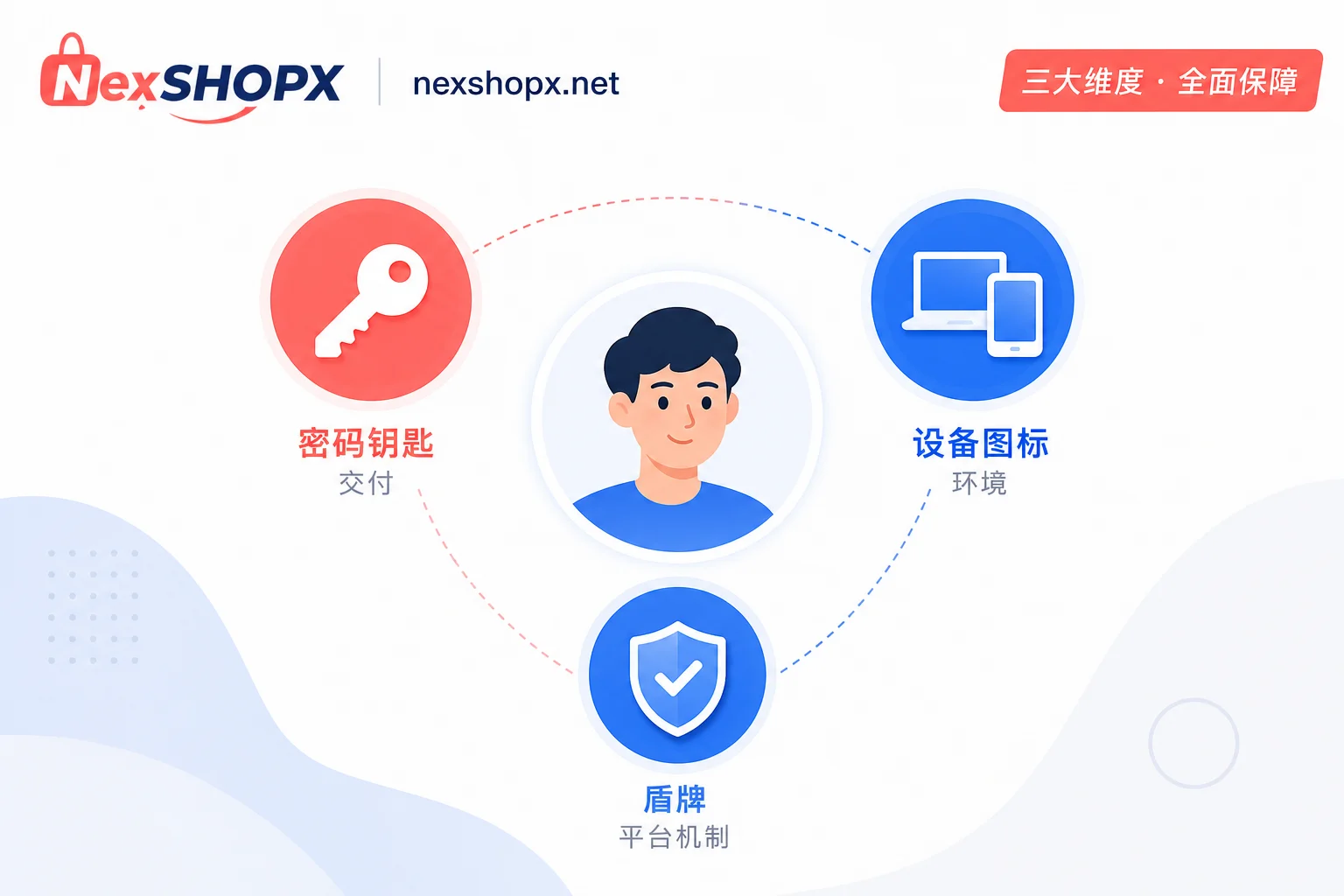
Category 1: Delivery Issues: Incomplete Credentials, Missing Recovery Entry, or Status Not Matching Description
Delivery issues are the easiest part of account purchase after-sales service to accept. Typical examples include: the login credentials agreed in the contract (account, password, email, recovery email, etc.) not being fully delivered; the two-factor authentication entry or backup codes not being handed over; or the actual account status (such as restrictions, existing device bindings, or historical penalties) not matching the product description.
These issues are easy to resolve because they can be directly compared using delivery records and initial login screenshots, making responsibility clear. If you discover such issues, take screenshots immediately and save the delivery session records; this will make the after-sales process much smoother.
Category 2: Environment Issues: Why Additional Verification Triggered by Device and Network Differences Is Hard to Attribute to the Seller
Many cases of "account restricted the next day after purchase" are not due to the seller not delivering correctly, but because your device, IP, time zone, language environment differ too much from the account's original usage environment, triggering the platform's automated risk control. TikTok supports review and cleanup of unusual trusted devices from the past 30 days, and logins from different locations or unfamiliar devices are common triggers.
For such issues, the seller can assist in locating the cause and provide environment information at the time of delivery, but they cannot undergo platform verification on your behalf. As the buyer, you should log in on your usual device as soon as possible after receiving the account and complete necessary security confirmations to reduce additional verification caused by environment differences.
Category 3: Platform Mechanism Issues: Untrusted Device Not Cleared, Passkey Not Transferred, Admin 2-Step Verification Expiry Blocking Access
Pay special attention to three mechanisms here:
- Passkey private keys on the original holder's device have independent passwordless authentication capability. Even if you change the password, the Passkey on the original device may still be valid unless the other party proactively deletes it or you manually remove it.
- Uncleaned trusted devices retain access paths, meaning the original holder may still have a way to enter the account.
- If the account you purchased is a Google Workspace admin account and the admin hasn't configured two-step verification (2SV) after a period, official documentation states: reminders are sent for 7 days, mobile app access is blocked after 15 days, and web app access is blocked after 30 days. The documentation only specifies the blocking timeline and doesn't describe it as a permanent state; until the admin completes 2SV configuration, the blocking remains in effect and must be handled by the account holder according to platform procedures.
These are platform mechanism issues, some of which are reversible (e.g., cleaning devices, transferring Passkey), but some can only be handled according to platform rules.
Why 'Can Log In' Doesn't Equal Completion of Delivery: Shift the After-Sales Criterion Forward
"Changed password + can receive verification codes" is often mistakenly considered full control, but Passkey and trusted devices are independent authentication credentials; changing the password does not automatically invalidate them. Therefore, the acceptance criterion should shift from "can I enter" to "is credential ownership exclusive."
In other words, true completion of delivery requires not only being able to log in, but also confirming that there are no residual trusted devices or Passkeys from the original holder. This also directly determines whether after-sales responsibility can be clearly assigned later: if you don't verify these at the outset, subsequent platform risk control challenges may be considered your environment issues. For related operations, refer to Overseas Account Delivery Process and TikTok Account Security Settings.
Evidence Checklist: How to Keep Screenshots, Timestamps, and Original Prompts
Regardless of the issue category, the following materials are key to determining responsibility:
- Delivery session records: complete chat or email communication logs, including timestamps and identities of both parties.
- Initial login timestamp: precise to the minute, to prove when you started operations.
- Original platform error or verification prompt screenshots: don't paraphrase, and don't crop out timestamps and account identifiers.
- Device and network environment description: device model, system version, IP location, whether you use a proxy/VPN.
- Sequential record of operations performed: from receiving and logging in to the issue occurrence, step by step.
Among these, the original prompt screenshot is the most powerful evidence, helping you distinguish between platform mechanism issues and environment issues.
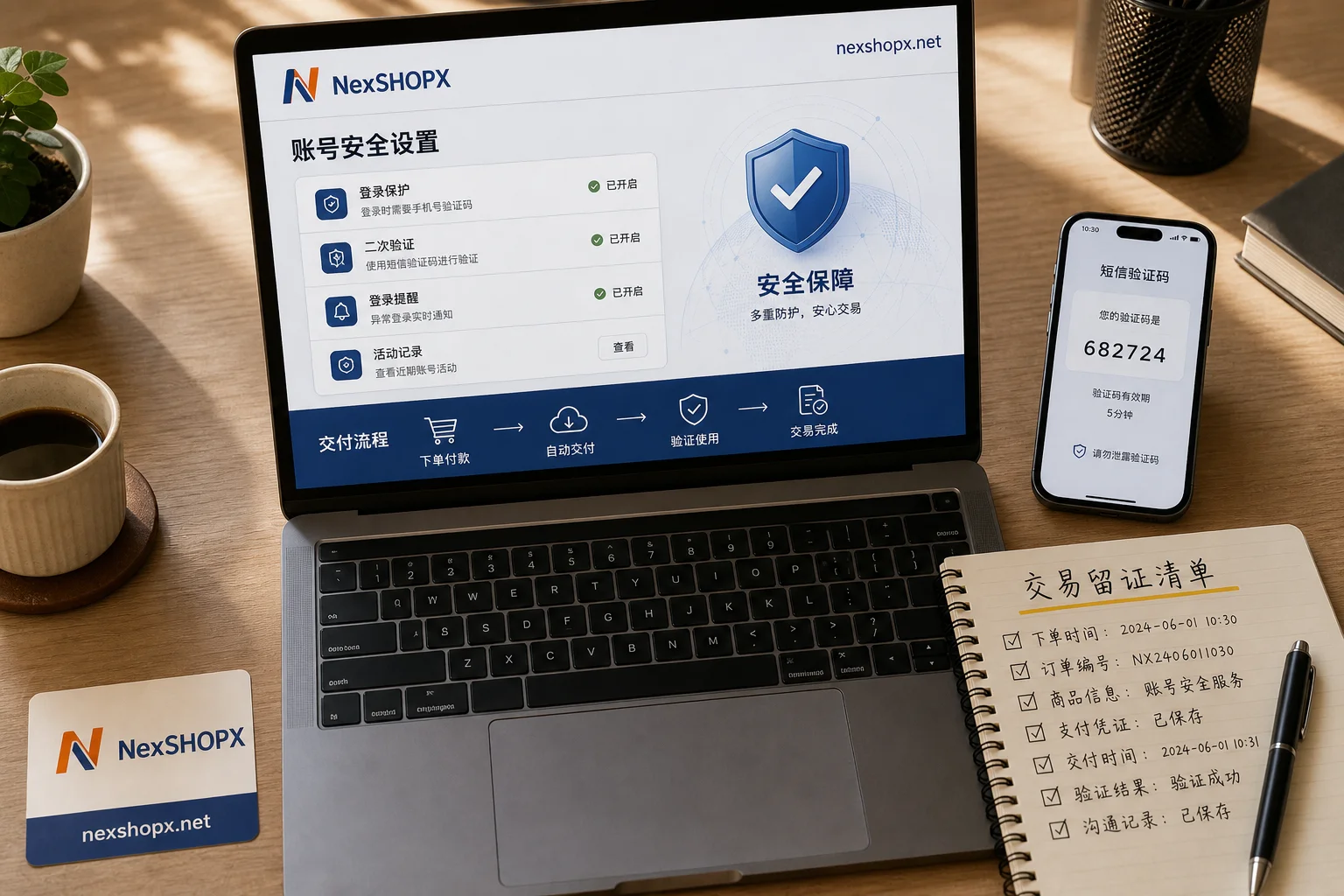
How to Submit After-Sales Service for Account Purchases: What to Do on the Day of Receipt to Avoid Missing the After-Sales Window
On the day of receipt, we recommend handling the following in order:
- Verify credential completeness: Confirm that password, email, backup codes, and two-factor authentication entry are all present.
- Check trusted devices and Passkey status: In the account security settings, see if there are any unknown devices and actively remove the original holder's devices.
- Change the password and confirm all sessions have expired.
- Then perform business operations: Ensure exclusive control of the account before publishing content or linking other applications.
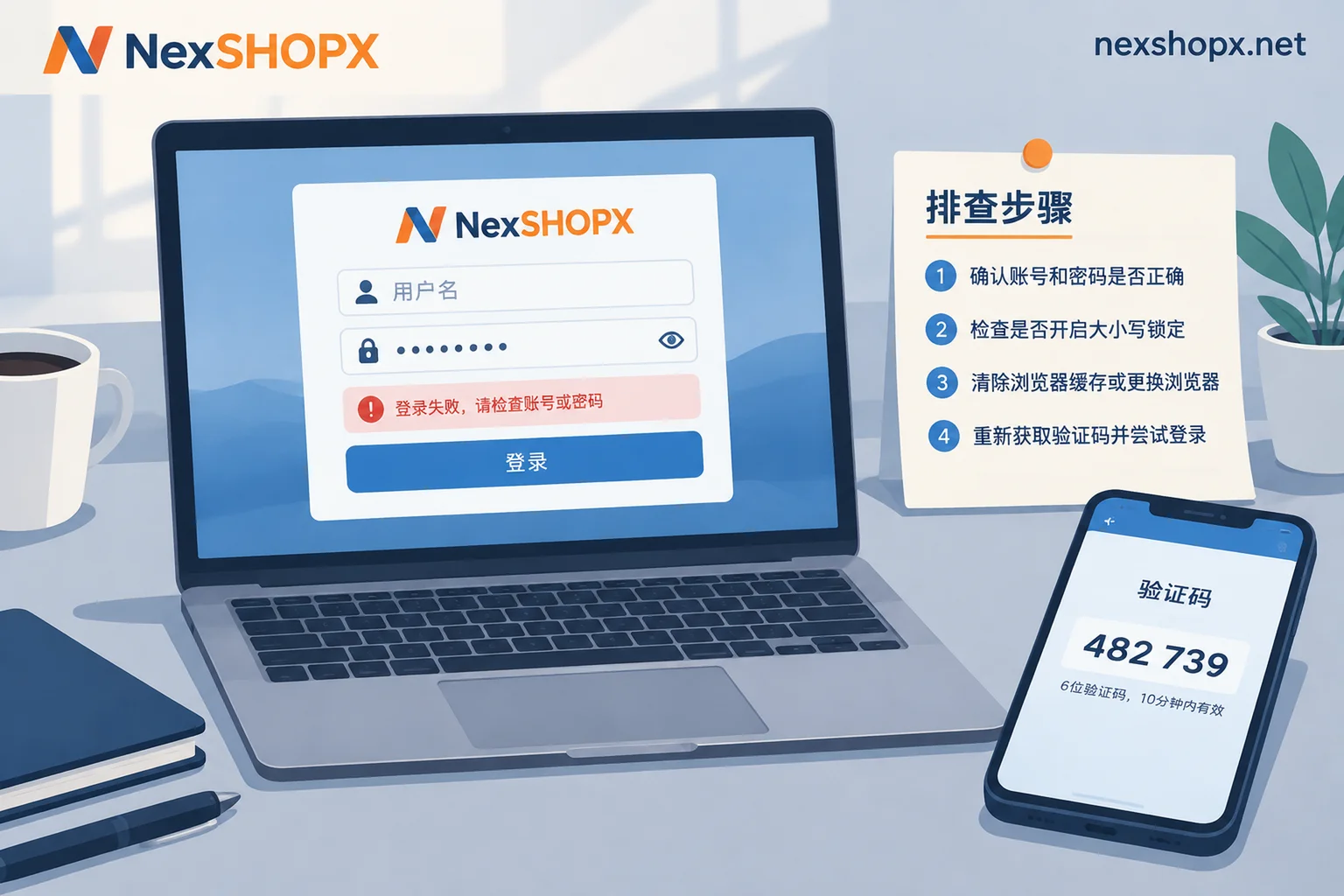
Once an anomaly occurs, take screenshots first before trying to fix it, to avoid repeatedly operating and stacking environment issues into risk control problems. The after-sales window usually has a time limit (subject to the merchant's announcement), and the earlier you submit, the easier it is to reconstruct the scene. If you're unsure how to proceed, you can first read What to Do If Account Login Fails and Changing Password for Overseas Accounts for reference.
Comparison Table for Three Types of Issues: Solvable, Partially Solvable, Irreversible
| Issue Type | Typical Manifestation | Basis for Determination | Degree of After-Sales Involvement |
|---|---|---|---|
| Delivery | Password error, missing recovery email, status mismatch | Comparison of credential list and delivery records | Acceptable (handled per merchant's published terms, e.g., supplementing credentials) |
| Environment | Device/IP triggers verification, SMS verification required | Login environment and original prompt | Partially solvable (assist with location, provide environment description) |
| Platform Mechanism | Passkey residue, uncleaned trusted device, 2SV blocking | Security settings screenshot, official rules | Partially solvable (clean devices, transfer Passkey); mandatory policy issues need platform process |
Where Does NexSHOPX's After-Sales Capability Boundary Lie
NexSHOPX mall offers self-service ordering and category search, reducing information asymmetry during selection; Telegram round-the-clock customer service facilitates immediate evidence preservation and issue location; limited-time after-sales handling for login failures mainly covers delivery issues.
But we must be clear about the boundaries: we do not promise permanent account availability or no bans, cannot undergo platform real-name or face verification on your behalf, and do not intervene in platform ban appeal results. If your account is required to undergo face verification, that is not a delivery-related after-sales issue, but customer service can assist you in understanding platform requirements.
Compliance Reminder
Please comply with the target platform's terms of service, local laws, and real-name/KYC requirements. The platform reserves the right to trigger risk control verification and blocking at any time, and purchasing an account does not circumvent audits. Please use accounts reasonably to avoid losses from violations. After-sales service for account purchases addresses delivery and assistance in locating issues; it does not equate to avoiding platform audits.
Frequently Asked Questions
If I can't log in to the account, will the seller replace it?
If the inability to log in is due to a delivery issue (e.g., wrong password, incomplete credentials), it is generally handled. But if it's platform verification triggered by device or network, the seller only provides assistance. It's recommended to take screenshots first and explain the issue category when contacting customer service.
What should I do if my newly purchased account is restricted the next day?
First, confirm whether it's due to environment differences: have you changed devices, IP, or regions? If so, keep the login device and IP consistent with the first login, and avoid frequently switching devices and networks in a short time. If it still doesn't work, contact the seller to provide environment information at the time of delivery and prepare screenshots of platform prompts.
How can I prove that it's a seller's delivery issue?
Keep the delivery session records, initial login timestamp, and credential list. If the password is wrong or recovery entry is missing, these can be directly compared. If the status doesn't match, take a screenshot comparing the product description and the actual login status.
How long is after-sales service for purchased accounts usually valid?
The after-sales window usually has a time limit, subject to the merchant's announcement. It's recommended to verify on the day of receipt and submit immediately for any anomalies; the earlier the better. Don't delay reporting for days.
What screenshots are needed for after-sales?
Provide original screenshots of platform prompts (including timestamp and account identifier), delivery session records, initial login timestamp, and device and network information. Don't crop screenshots; keep full information.
Does face verification required for the account count as an after-sales issue?
Face verification is a platform security mechanism and not a delivery issue, so it generally doesn't fall under after-sales coverage. The seller cannot undergo face verification on your behalf and should not promise to circumvent it. It's recommended to cooperate with platform verification or contact customer service for compliant handling.


Comments(0)